
How to Secure Your Smart Home Network: Essential Cybersecurity Tips
By Kalkee Editorial Staff
Updated July 4, 2026 • Verified by Industry Experts
Understanding IoT Vulnerabilities in Smart Homes
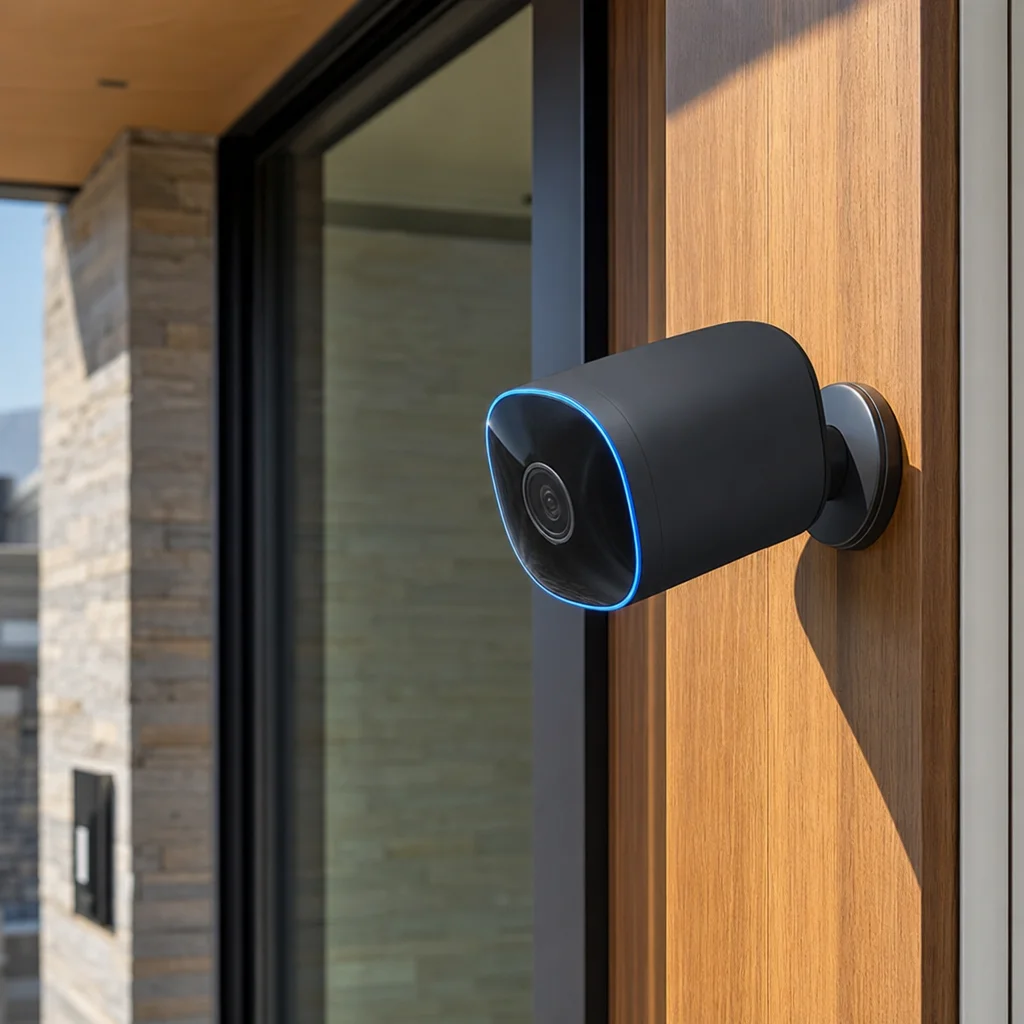
Connecting dozens of smart home devices (cameras, thermostats, light bulbs) to your Wi-Fi network introduces security risks. Many smart products have weak default security settings, making them easy targets for hackers. Taking steps to secure my smart home network is essential to protect your personal files and home privacy. A single compromised smart light bulb can serve as an entry point for cybercriminals to access your computers, smartphones, and network storage drives. By implementing basic cybersecurity best practices, you can enjoy the convenience of automation without exposing your household to digital vulnerabilities.
IoT security is a shared responsibility. While manufacturers are improving security protocols, configuring your home router and managing your login details remains your primary defense. Taking a few simple steps to secure your network prevents digital break-ins and keeps your private data safe.
Think of your smart home as a digital ecosystem. Every device, from a smart plug to a video doorbell, communicates over your network. If one device is poorly secured, it can act as a backdoor for attackers to move laterally across your network. For example, a vulnerable smart thermostat might allow a hacker to intercept traffic from your laptop or even launch a distributed denial-of-service (DDoS) attack from your own home. This is why a proactive approach to network security is not just an option but a necessity for any modern household. Understanding the specific threats, such as unpatched firmware, default credentials, and unencrypted data transmission, empowers you to make informed decisions about which devices to buy and how to configure them. The goal is to create layers of defense that make it difficult for unauthorized users to gain a foothold, ensuring that your home remains a sanctuary of both comfort and safety.
5 Core Rules of Smart Home Network Safety
Protect your connected devices by implementing these network security settings. These rules form the foundation of a resilient smart home infrastructure, reducing the attack surface and giving you peace of mind.
1. Set Up a Dedicated Guest Network
Create a separate guest Wi-Fi network specifically for your smart home devices. Keep them isolated from your primary Wi-Fi network where your personal computers, phones, and bank details reside. Most modern routers offer this feature under settings like "Guest Network" or "IoT Network." By doing this, even if a smart bulb or camera is compromised, the attacker cannot access your main network where sensitive data like banking credentials, personal photos, and work files are stored. This segmentation is one of the most effective and easiest security measures you can implement. You can even set up a separate SSID (network name) for your IoT devices, ensuring they never interact with your primary devices. For maximum security, consider using a VLAN (Virtual Local Area Network) if your router supports it, which provides an even stronger logical separation between networks.
2. Change Factory Default Passwords
Never leave the factory-set passwords on routers, smart cameras, or hubs. Choose strong, unique passwords for every device and use a password manager to store them. Factory passwords are often generic, widely known, and published online, making them the first thing hackers try. A strong password should be at least 12 characters long, mixing uppercase and lowercase letters, numbers, and symbols. Avoid using common words, personal information like your birthday, or simple patterns. A password manager like LastPass, 1Password, or Bitwarden can generate and store complex passwords for each device, so you don't have to remember them all. This step alone eliminates the most common attack vector used by cybercriminals to take over smart home devices.
3. Enable Two-Factor Authentication (2FA)
Secure device login accounts using authentication apps or SMS codes. This prevents unauthorized logins, even if someone guesses your password. Two-factor authentication adds a second layer of security, typically a temporary code sent to your phone or generated by an authenticator app like Google Authenticator or Authy. This means that even if a hacker obtains your password through a data breach or phishing attempt, they cannot access your account without the second factor. For smart home platforms like Alexa, Google Home, or your security camera app, enabling 2FA is critical because these accounts often control access to your entire home ecosystem. Always prefer authenticator apps over SMS codes when possible, as SMS can be intercepted via SIM-swapping attacks.
4. Keep Firmware Updated
Enable auto-updates on all smart devices to patch known security bugs and software vulnerabilities. Outdated firmware is the primary access point for IoT hackers. Manufacturers regularly release firmware updates to fix security flaws, improve performance, and add new features. If you disable automatic updates, you leave your devices exposed to known exploits that hackers can easily find and use. Check your router's admin panel and each device's companion app to ensure auto-updates are turned on. For devices that don't support auto-updates, set a recurring calendar reminder to manually check for updates every month. This simple habit is like getting a regular tune-up for your car; it keeps everything running smoothly and safely.
5. Disable Universal Plug and Play (UPnP)
Turn off UPnP on your router to prevent smart devices from opening firewall ports automatically without your explicit permission. UPnP was designed to make it easy for devices to discover each other on a network, but it is notoriously insecure. It allows devices to automatically open ports on your router, creating potential entry points for malware and hackers. For example, a compromised smart TV could use UPnP to open a port that allows an attacker to remotely control it or access other devices on your network. Disabling UPnP forces you to manually configure port forwarding only when absolutely necessary, giving you full control over what enters and leaves your network. This is a simple toggle in your router settings that dramatically improves your security posture.
Choosing Secure DIY Security Systems
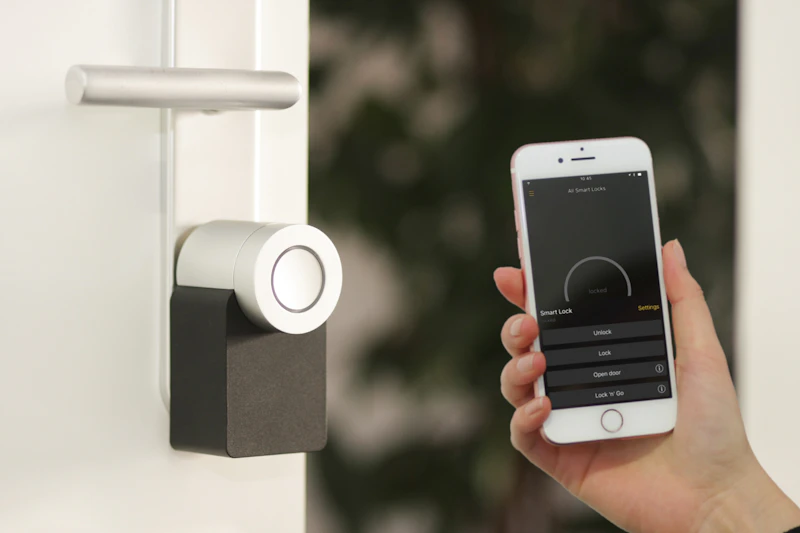
When building smart home security systems DIY, choose trusted brands that offer end-to-end encryption for camera feeds and store data locally on hidden indoor drives instead of vulnerable cloud servers. Look for brands that have received security certifications and offer long-term support for software patches. Investing in local storage options (like an NVR or encrypted SD card) keeps your private video feeds inside your home network and protected from cloud server breaches.
Beyond encryption and local storage, consider the physical security of your devices. Ensure cameras are mounted in locations where they cannot be easily unplugged or tampered with. For DIY systems, opt for components that use encrypted communication protocols like TLS 1.2 or higher. Also, research the manufacturer's history with security updates. Some brands are notorious for releasing a product and then abandoning it, leaving users with unpatched vulnerabilities. Reading reviews from security-focused tech blogs can help you identify which brands prioritize long-term support. Additionally, consider using a dedicated network for your security system, separate from your general IoT devices, to further isolate critical surveillance equipment. By carefully selecting components that prioritize security, you build a system that not only deters physical intruders but also digital ones.
Upgrading Your Router for Smart Homes
If you have more than 30 smart home devices, upgrade to a modern Wi-Fi 6 or Wi-Fi 6E mesh router. These routers are designed to handle hundreds of concurrent connections without slowing down. They also include advanced security protocols like WPA3 encryption, which makes it significantly harder for hackers to crack your wireless network password. A strong router is the first line of defense for a secure, high-performance automated home.
Wi-Fi 6 and Wi-Fi 6E routers also feature improved traffic management, known as OFDMA (Orthogonal Frequency Division Multiple Access), which allows them to communicate with multiple devices simultaneously rather than sequentially. This reduces latency and improves overall network stability, which is crucial for devices like video doorbells and security cameras that require constant, reliable connections. When upgrading, look for routers that support automatic security updates and have built-in firewall features, such as intrusion detection and prevention systems (IDS/IPS). Some premium routers even offer subscription-based security services that block malicious websites and scan for vulnerabilities on your network. While a mesh system is ideal for large homes, even a single high-quality Wi-Fi 6 router can significantly outperform older models in terms of both speed and security. Investing in a modern router is not just about faster internet; it is about building a robust foundation for your entire smart home ecosystem.
Furthermore, consider the placement of your router. Position it centrally in your home, away from thick walls, metal objects, and other electronics that can cause interference. This ensures optimal signal strength for all your devices, reducing the likelihood of dropped connections that could temporarily disable security features. Also, change the default administrator credentials for your router immediately after setup. Many people overlook this step, leaving their router's admin panel open to anyone on the network. By combining a modern router with thoughtful configuration and placement, you create a secure, high-performance network that can handle the demands of a fully automated home without compromising on safety.