
The Cost of Whole House Automation: Smart Home Installation Estimator
By Kalkee Editorial Staff
Updated July 4, 2026 • Verified by Industry Experts
Planning a Whole House Automation System
Upgrading a property with comprehensive smart home systems increases convenience, improves energy efficiency, and boosts resale value. However, estimating whole house automation system costs requires separating DIY hardware costs from professional smart home automation system installation labor rates. A professional install ensures robust network coverage and clean integrations. While a tech-savvy homeowner can build a decent system using off-the-shelf devices, large properties benefit from custom wired backbones that offer zero latency and long-term reliability. In this guide, we break down the costs and considerations of automated homes.
Investing in whole house automation is a significant project. To ensure success, you should build a budget that covers your central hubs, lighting switches, security cameras, smart locks, climate sensors, and the network hardware required to support them all. By planning your system phases, you can manage costs and avoid overspending. The first step is to assess your home's existing electrical infrastructure. Older homes may require rewiring or additional outlets, which can add to the overall expense. Additionally, consider your family's daily routines and pain points. Do you often forget to turn off lights? Are you concerned about energy waste from an unoccupied home? Identifying these needs will help you prioritize which automation features to install first, ensuring you get the most value from your investment. For those on a budget, researching affordable home automation systems usa can reveal cost-effective options that still deliver reliable performance.
Another critical aspect of planning is choosing between a centralized and decentralized system. Centralized systems, like those from Crestron or Control4, rely on a single controller that manages all devices, offering seamless integration and advanced automation scenes. Decentralized systems, such as those using Zigbee or Z-Wave protocols, allow each device to operate independently but can be coordinated through a hub. Centralized systems are typically more expensive due to the cost of the controller and professional programming, but they offer superior performance and reliability. Decentralized systems are more budget-friendly and easier to expand over time. Your choice will significantly impact your whole house automation system costs, so weigh the trade-offs carefully.

Cost Estimates by Project Level
Here is what homeowners typically spend on automation systems, broken down by complexity and scope:
1. Basic DIY Setup ($500 – $2,000)
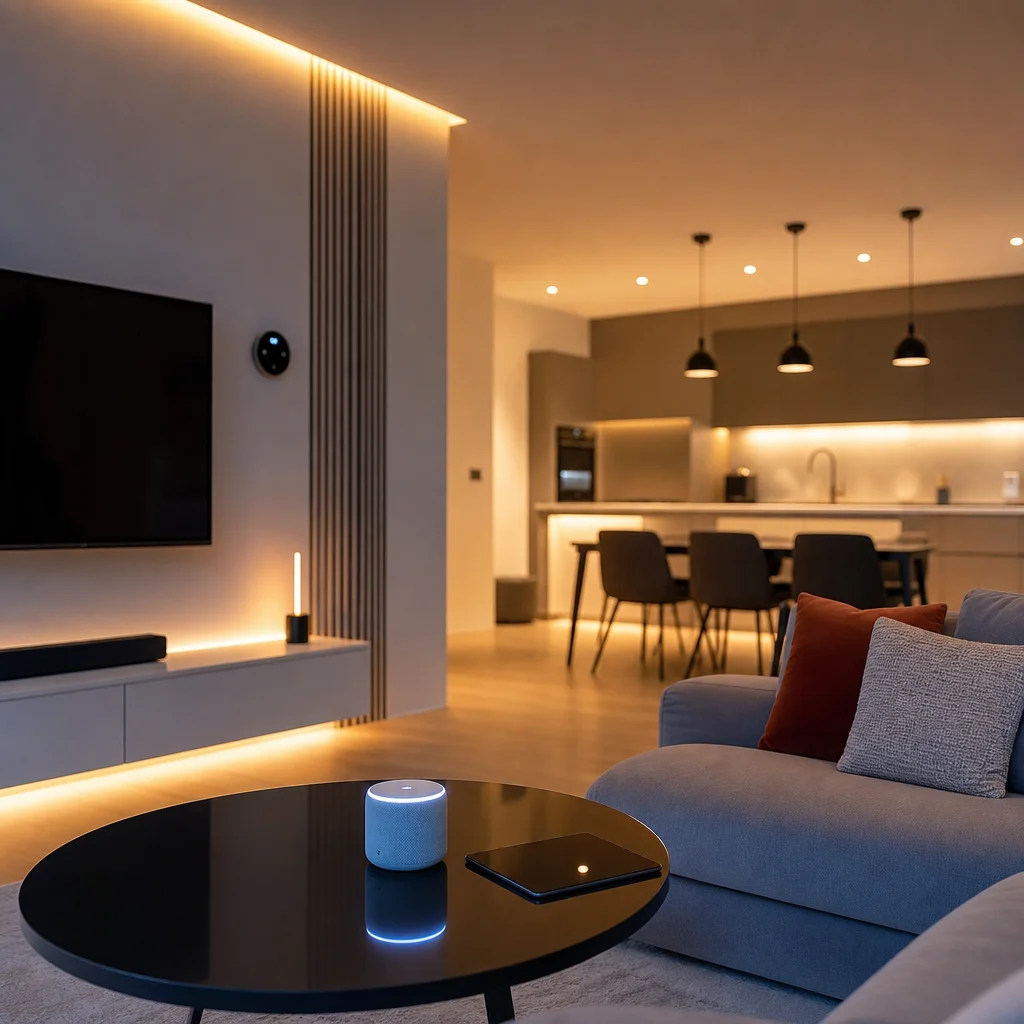
Best for apartments and smaller homes. Set up a central smart speaker hub, a smart thermostat, a few smart bulbs, and wireless plug-in cameras. The homeowner installs everything themselves using existing Wi-Fi, avoiding labor fees. This entry-level approach works well for renters or those testing the waters of home automation. However, be aware that relying solely on Wi-Fi can lead to network congestion, especially if you add more than 20 devices. To mitigate this, consider a mid-range router with mesh capabilities, which can handle multiple connections without slowing down. Popular choices for this tier include Amazon Echo or Google Nest hubs, along with Philips Hue bulbs and a Nest or Ecobee thermostat. Total costs can be kept under $1,000 if you shop smartly and stick to basic features like voice control and scheduling. For a comprehensive alexa smart home setup guide, you can find step-by-step instructions online that help you connect devices like smart plugs that work with alexa and google for easy voice control.
2. Mid-Range Integrated System ($3,000 – $8,000)
Best for standard family homes. Includes hardwired smart switches, smart locks, built-in security sensors, automated garage doors, and a dedicated tri-band mesh Wi-Fi network. Involves hiring a local electrician for switch and lock installation. This level provides a more polished experience, with devices that blend into your home's aesthetic rather than sticking out as add-ons. Hardwired switches, for instance, replace traditional light switches and offer dimming, scheduling, and remote control without the need for smart bulbs. Security sensors can be integrated with a central alarm system, and smart locks allow keyless entry and temporary codes for guests. The mesh Wi-Fi network is essential here to ensure all devices communicate reliably, especially in larger homes with multiple floors or thick walls. Expect to pay around $1,500 to $3,000 for the hardware alone, with an additional $1,000 to $2,000 for professional installation and programming. When selecting security components, reading wireless smart home security system reviews can help you choose the best smart security cameras for home that fit your needs.
3. Custom Luxury System ($15,000 – $50,000+)
Best for high-end custom builds. Professional installations (like Control4, Crestron, or Savant) featuring motorized roller blinds, multi-room architectural audio, centralized smart panels, smart climate zoning, and custom lighting scenes. This tier is all about personalization and seamless integration. Motorized blinds, for example, can be programmed to open and close based on the time of day or sunlight levels, reducing heat gain and protecting furniture. Multi-room audio systems allow you to play different music in different rooms or sync them for a whole-home experience. Centralized smart panels replace multiple remote controls and apps with a single touchscreen interface. Smart climate zoning uses motorized dampers in your HVAC system to heat or cool specific areas independently, saving energy and improving comfort. Professional integrators handle everything from wiring to programming, ensuring that all components work together flawlessly. The cost can easily exceed $50,000 for larger homes with extensive features like outdoor lighting, pool controls, and advanced security systems. For those interested in the latest standards, matter compatible smart home devices ensure cross-platform interoperability and future-proofing.
Key Hardware Pricing Breakdowns
On average, expect to spend $150 to $250 per smart thermostat, $40 to $80 per smart wall switch, and $150 to $300 per smart lock. Setting up a dedicated mesh Wi-Fi network ($300 – $600) is critical to prevent network congestion from multiple connected smart home devices. Professional labor rates for smart home installation vary by region, but plan on budgeting $100 to $150 per hour for specialized integrators, or a flat fee of $1,500 to $3,000 for mid-range system programming and testing. Let's dive deeper into these costs to help you create a realistic budget.
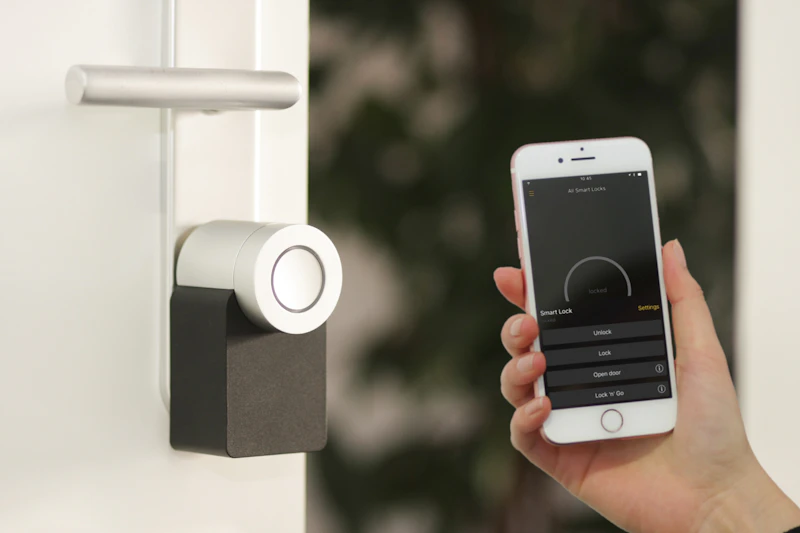
Smart thermostats from brands like Nest, Ecobee, and Honeywell offer features such as learning algorithms, geofencing, and remote sensors. The $150 to $250 price range covers most models, but premium versions with additional sensors or voice control can cost up to $350. For smart switches, consider brands like Lutron Caseta, Leviton, or TP-Link Kasa. These replace standard switches and work with most LED and incandescent bulbs. Installation is straightforward for a DIYer, but if you're uncomfortable with electrical work, hiring an electrician adds $50 to $100 per switch. Smart locks from August, Schlage, or Yale range from $150 to $300, with keypad and fingerprint models on the higher end. Installation is usually simple, but you may need to modify your door frame for some models. When selecting a thermostat, looking for the best smart thermostat for energy saving can maximize your long-term utility reductions.
Beyond these core devices, other hardware costs can add up. Smart security cameras, for example, range from $50 for indoor models to $400 for outdoor, weatherproof, 4K-resolution units with night vision and two-way audio. A video doorbell costs between $100 and $250. Smart sensors for doors, windows, motion, and water leaks are typically $20 to $50 each. If you're automating blinds, motorized options start at $200 per window and can exceed $1,000 for larger or custom sizes. For multi-room audio, in-ceiling speakers cost $100 to $300 per pair, and a multi-zone amplifier adds $500 to $2,000. Finally, don't forget about the central hub or controller, which can range from $100 for a simple hub like SmartThings to $2,000 for a professional-grade Control4 controller. For Apple users, exploring apple homekit automation ideas can inspire creative ways to integrate your devices seamlessly.
To give you a concrete example, let's calculate the hardware cost for a mid-range system in a 2,000-square-foot home. You might install 20 smart switches ($1,200), 3 smart thermostats ($600), 2 smart locks ($400), 4 security cameras ($800), a video doorbell ($200), 10 sensors ($300), and a mesh Wi-Fi system ($400). That totals $3,900 in hardware. Add professional installation at $2,000, and you're looking at around $5,900. This is within the mid-range budget and provides comprehensive automation for lighting, climate, security, and access control. For those wondering how to build a smart home from scratch, starting with a solid network and a few key devices is the recommended approach.
Estimating Installation ROI and Utility Savings
While the upfront cost of whole house automation can seem high, it delivers excellent long-term returns. Smart thermostats and automated lighting control zones can reduce monthly utility bills by 10% to 15% on average. Furthermore, smart water shut-off valves and active security alarms qualify you for insurance premium discounts of up to 10%. Homebuyers are increasingly willing to pay a premium for houses pre-wired with robust smart home infrastructure, making automation a smart investment for your property value. Implementing a smart home energy management system can further optimize your consumption patterns and help you understand how to reduce energy bill with smart home technologies.
Let's break down the savings more precisely. According to the U.S. Department of Energy, a smart thermostat can save homeowners about 10% to 12% on heating and 15% on cooling costs annually. For a typical household spending $2,000 per year on energy, that's a savings of $200 to $300. Automated lighting, when combined with occupancy sensors and daylight harvesting, can reduce lighting energy use by up to 30%. If your annual lighting costs are $500, that's an additional $150 in savings. Together, these two features alone can save you $350 to $450 per year. Over five years, that's $1,750 to $2,250, which covers a significant portion of your initial investment.
Insurance discounts are another tangible benefit. Many insurers offer discounts for homes with monitored security systems, smart smoke detectors, and water leak detectors. For example, State Farm offers up to 10% off for homes with a certified smart home system, while Allstate provides a 5% discount for using their smart home devices. If your annual homeowners insurance premium is $1,200, a 10% discount saves you $120 per year. Over a decade, that's $1,200. Additionally, smart water shut-off valves can prevent costly water damage from burst pipes or leaks. The average water damage claim is $10,000, so avoiding just one incident can pay for your entire automation system. However, it is important to consider are smart home devices secure from hackers and take steps like using strong passwords and keeping firmware updated to protect your investment.
Finally, consider the resale value. A 2023 survey by the National Association of Realtors found that 87% of homebuyers consider smart home features important, and homes with smart technology sell for an average of 3% to 5% more than comparable homes without. For a $400,000 home, that's an additional $12,000 to $20,000 in value. Even if you only recoup 50% of your automation investment in the sale price, it's still a positive return. By combining utility savings, insurance discounts, and increased property value, whole house automation is not just a luxury but a financially sound decision for most homeowners. For beginners, following a diy smart home automation for beginners guide can make the process manageable and rewarding.