
Wireless Smart Switches vs. Smart Bulbs: Which is Best for You?
By Kalkee Editorial Staff
Updated July 4, 2026 • Verified by Industry Experts
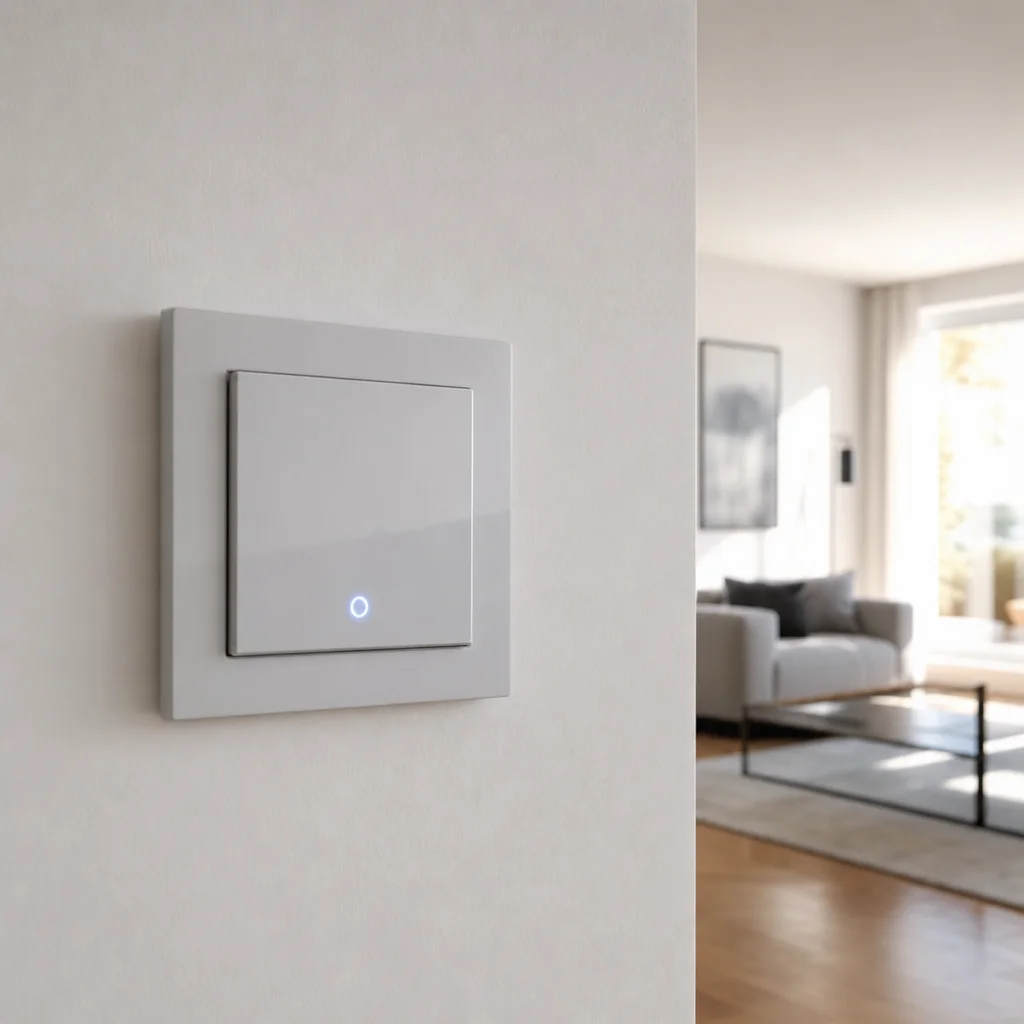
Navigating Modern Smart Lighting Layouts
Upgrading your lighting is one of the most rewarding smart home projects. When styling your system, homeowners choose between installing smart light bulbs or swapping standard wall switches for smart switches. Our smart lighting guide breaks down the pros, cons, and costs of both systems. Choosing the right hardware ensures that your lighting controls remain intuitive, affordable, and easy for everyone in the family to use, preventing the frustration of disabled switches.
Before purchasing hardware, take an inventory of your home's lighting fixtures. Rooms with single bulbs, like bedside lamps and accent uplights, are perfect for smart bulbs. Main living spaces, dining areas, and kitchens with multi-bulb ceiling fixtures are far better suited for smart switches. Let's compare both options in detail.
Think about your daily routines. In a bedroom, you might want a smart bulb in your nightstand lamp so you can dim it from bed without getting up. But for the overhead ceiling fan light that you turn on when entering the room, a smart switch makes more sense because it keeps the physical wall control functional. The key is to map out each room's lighting needs before you start shopping. Consider how many people live in your home and their comfort level with technology. If you have young children or elderly relatives who may not use voice commands or phone apps, smart switches offer a familiar interface that everyone can operate without confusion.
Another factor to weigh is the type of lighting you want to create. Smart bulbs excel at creating ambiance with color-changing capabilities and tunable white light, making them ideal for home theaters, game rooms, or spaces where you want to set a specific mood. Smart switches, on the other hand, are better for general illumination and task lighting where you need reliable, consistent brightness levels. Some homeowners find a hybrid approach works best, using smart switches for main ceiling lights and smart bulbs for accent fixtures, giving them the best of both worlds without overcomplicating their setup.

Smart Light Bulbs: Best for Accent and Color
Smart bulbs are screw-in smart home devices that allow you to adjust brightness, tune color temperatures, and change colors via apps or voice control. They are ideal for table lamps, accent lighting, and single fixtures. However, if someone flips the wall switch off, a smart bulb loses power and can no longer be controlled remotely. This makes them less practical for main overhead ceiling lights where people naturally flip physical switches. Smart bulbs are perfect for styling cozy accent corners, under-bed lighting, or colorful gaming setups.
Beyond their aesthetic appeal, smart bulbs offer impressive flexibility for daily living. You can program them to simulate sunrise in the morning, gradually brightening to wake you naturally. In the evening, you can set them to a warm amber tone that promotes relaxation and better sleep. Many smart bulbs integrate with motion sensors, so hallway lights can turn on automatically when you pass through at night, then shut off after a few minutes of no activity. This not only adds convenience but also helps reduce energy waste.
When choosing smart bulbs, pay attention to the lumens and color rendering index (CRI). Higher lumens mean brighter light, while a CRI of 90 or above ensures colors appear natural and vibrant. Some smart bulbs also support grouping, so you can control multiple bulbs in a room with a single command. For example, you might group all the lamps in your living room and set them to dim to 50% when you start watching a movie. Just remember that if you rely heavily on smart bulbs, you may need to label your physical switches to remind family members not to flip them off accidentally, which can break the connection and require you to reset the bulbs.
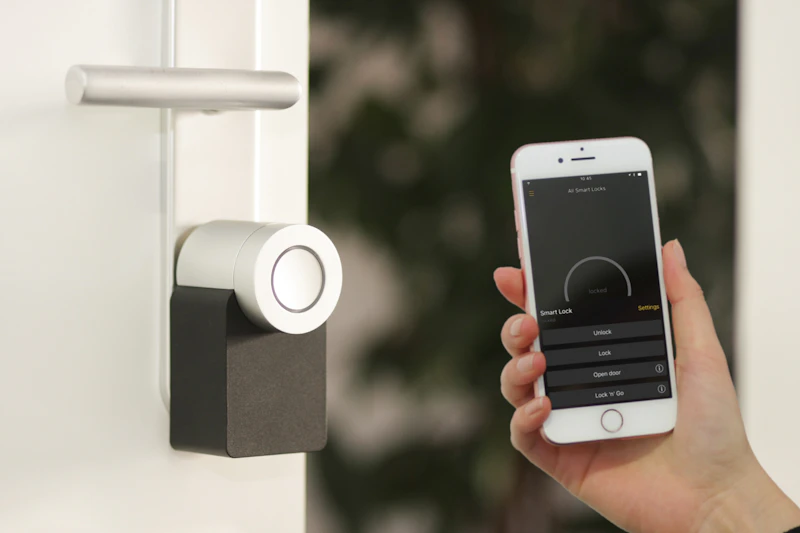
Wireless Smart Switches: Best for Whole-Room Control
Installing wireless smart switches is the preferred choice for main rooms. A smart switch replaces the wall hardware, controlling standard light bulbs. This ensures you maintain smart app controls even if someone flips the wall switch manually. It is also more cost-effective for multi-bulb fixtures like dining chandeliers or recessed living room cans. Smart switches require a slightly more complex installation, as they must connect directly to your home's electrical wiring, but they deliver a traditional, bulletproof user experience for everyone.
One of the biggest advantages of smart switches is their reliability. Since they replace the physical switch, they always have power and can respond to commands instantly. You can set up schedules so your porch light turns on at sunset and off at sunrise, or program your kitchen lights to dim automatically when you start cooking. Smart switches also work well with occupancy sensors, turning lights on when someone enters a room and off when they leave, which is great for bathrooms, laundry rooms, and closets.
Another benefit is that smart switches can handle higher wattages than smart bulbs. If you have a chandelier with ten 60-watt bulbs, a single smart switch can control all of them without issue. With smart bulbs, you would need to buy ten individual bulbs and manage them as a group, which can be more expensive and complex. Smart switches also tend to have a longer lifespan than smart bulbs, as they are not exposed to the same heat and wear from constant on-off cycling. For families with multiple users, smart switches provide a seamless experience because the physical toggle still works exactly as expected, while the smart features run quietly in the background.
Neutral Wire Requirements for Smart Switches
Before buying smart switches, check if your electrical boxes contain a neutral wire. The neutral wire provides continuous power to run the switch's wireless chip when the light is turned off. Most homes built after 1985 have neutral wires (typically a bundle of white wires tucked in the back of the box). If your home has older wiring, you will need to buy specialized 'no-neutral' smart switches, such as the Lutron Caseta series, which use a central bridge to communicate and operate without a dedicated neutral line.
Identifying a neutral wire is straightforward but requires caution. Always turn off the power at the breaker before inspecting any electrical box. Once the power is off, remove the switch plate and look for a group of white wires capped together and pushed to the back of the box. That is your neutral bundle. If you only see black and copper wires, you likely do not have a neutral. In that case, you have two options: hire an electrician to run a neutral wire to the box, which can be expensive, or choose no-neutral smart switches. No-neutral switches typically use a small capacitor or a bypass module to trickle power through the light bulb, so they require compatible dimmable LED bulbs to function correctly. Some no-neutral switches also have a minimum load requirement, meaning they may not work with very low-wattage bulbs, so check the specifications carefully before purchasing.
If you are comfortable with basic electrical work, installing a smart switch with a neutral wire is a manageable DIY project. You will need a voltage tester, wire strippers, and a screwdriver. Follow the manufacturer's instructions closely, ensuring all wire connections are tight and secure. For multi-switch setups, such as three-way or four-way configurations, the wiring becomes more complex, and you may need to install additional accessories like pico remotes or auxiliary switches. In these cases, consulting an electrician can save you time and prevent potential safety hazards.
Smart Lighting Cost and Installation
Budgeting for a smart lighting upgrade depends on home size. Smart light bulbs range from $10 to $40 each, while smart switches cost $30 to $60 each. If you have a room with six recessed ceiling cans, installing one smart switch ($40) is far cheaper than buying six smart bulbs ($120). For complex multi-switch locations (like 3-way switches in hallways), hire a licensed electrician to handle the wiring and ensure a safe, code-compliant installation.
Beyond the initial hardware costs, factor in the price of a smart home hub if your chosen switches require one. Some systems, like Lutron Caseta, need a hub that costs around $80, but it enables advanced features like geofencing and integration with other smart devices. Other switches, such as those using Wi-Fi directly, do not require a hub but may put more strain on your home network. Consider the long-term value as well. Smart switches can increase your home's resale appeal, especially if they are installed in key areas like the kitchen, living room, and entryway. Buyers often appreciate the convenience of automated lighting and energy savings.
Installation costs vary. If you are handy with tools, you can install a smart switch in about 30 minutes, saving the electrician's fee. However, if your home has older wiring or you are adding new switch locations, professional installation is worth the investment. An electrician typically charges $75 to $150 per hour, and a simple switch replacement might take an hour or two. For a whole-home installation with multiple switches, you could pay several hundred dollars, but the peace of mind and safety are invaluable. Always get a quote upfront and ask about any additional costs for running new wires or upgrading your electrical panel if needed.
Finally, think about the ongoing costs. Smart bulbs consume slightly more power than standard LEDs because of their wireless radios, but the difference is negligible. Smart switches, on the other hand, use minimal power and can help you save on electricity by enabling automated schedules and occupancy-based controls. Over time, the energy savings can offset the initial investment, especially in rooms where lights are frequently left on by accident. With careful planning and a clear understanding of your needs, a smart lighting upgrade can transform your home into a more comfortable, efficient, and enjoyable space. When considering a broader smart home automation system installation, it is important to evaluate the whole house automation system cost to ensure it fits your budget. For security, you might also look into best smart security cameras for home to complement your lighting. Many users seek affordable home automation systems usa that include smart plugs that work with alexa and google for easy control. To maximize efficiency, consider a best smart thermostat for energy saving alongside top rated smart door locks for enhanced security. Ensure your devices are matter compatible smart home devices for seamless integration, and explore best google home compatible devices or apple homekit automation ideas to tailor your setup. An alexa smart home setup guide can help you get started, and a local ai smart home hub can improve responsiveness. For newcomers, learning how to build a smart home from scratch is essential, and implementing smart home energy management systems can show you how to reduce energy bill with smart home features. Always consider are smart home devices secure from hackers when choosing products, and follow diy smart home automation for beginners tips for a smooth process. Understanding the smart home ecosystem explained helps you make informed choices, while wireless smart home security system reviews guide your purchases. An best outdoor smart lighting setup enhances curb appeal, and smart hvac controls for residential homes improve comfort. Adding automated window blinds and shades and smart home devices for elderly safety increases functionality, and best smart kitchen appliances complete the modern home.